ASCII Planets
Live wallpaper for Windows · Python and C# · Finished
I had a live wallpaper of a spinning ASCII globe on one monitor and loved it, but there wasn't much out there for my second one. So I made the Moon. Then I kept going and made the rest of the solar system.
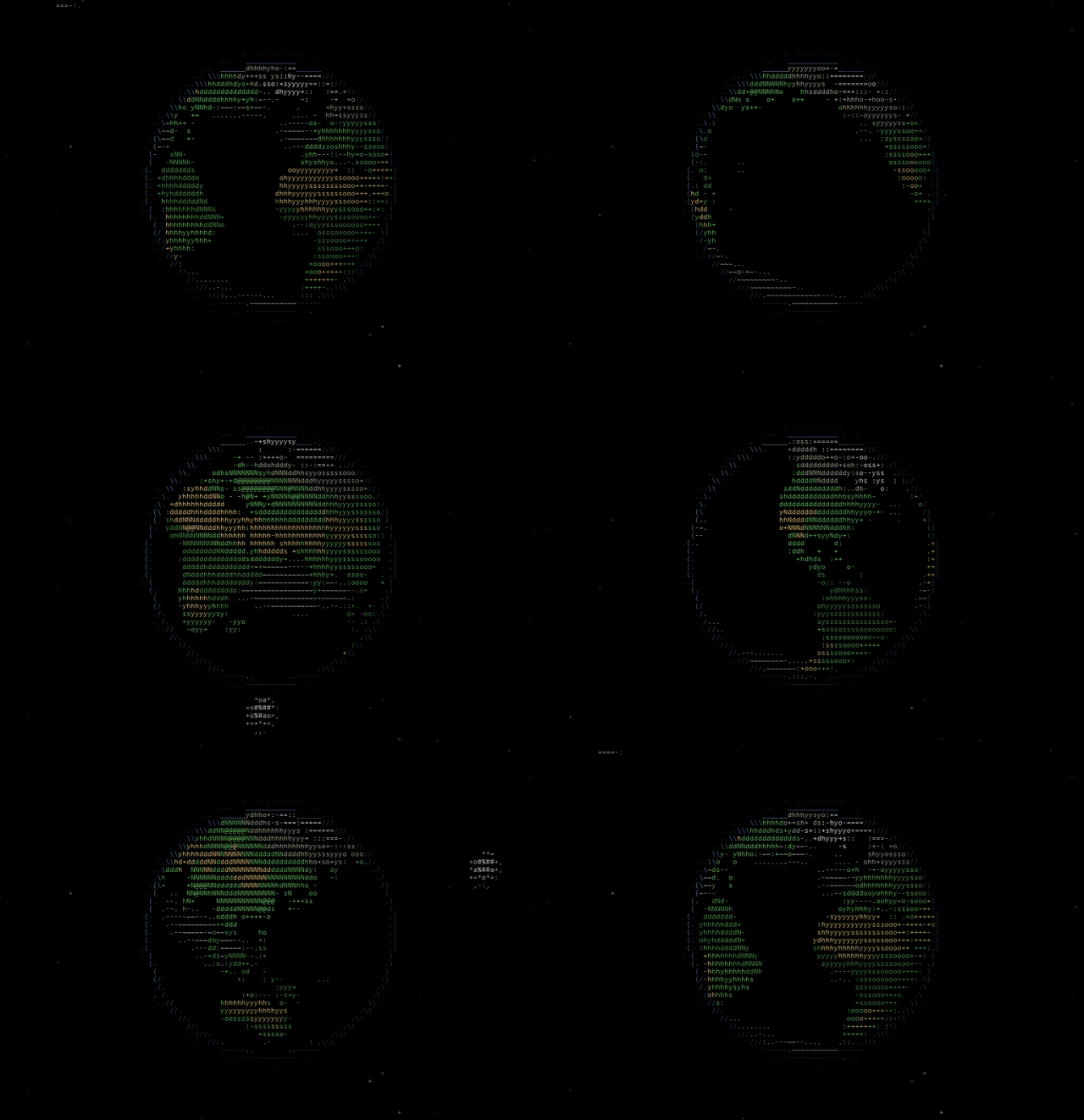
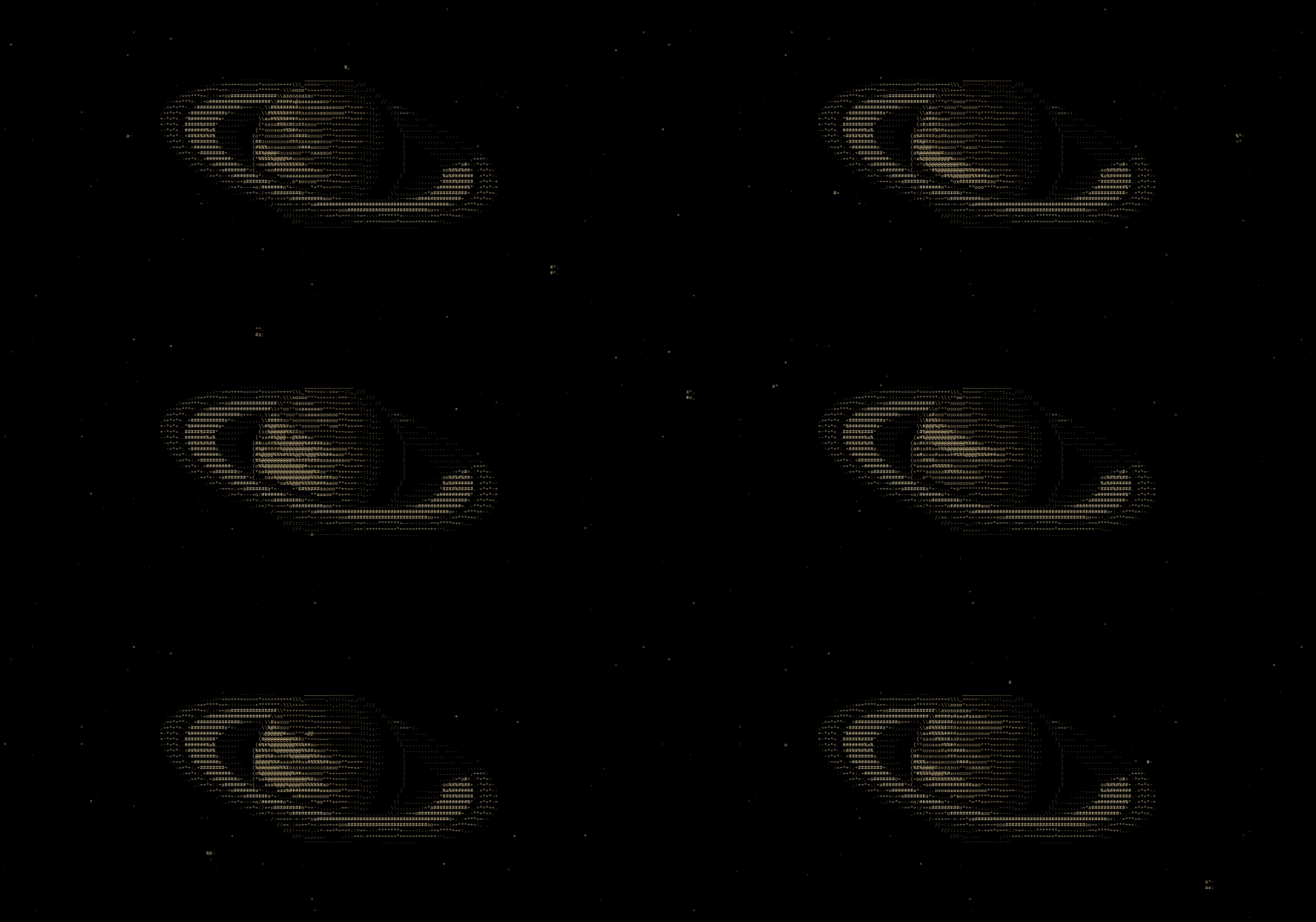
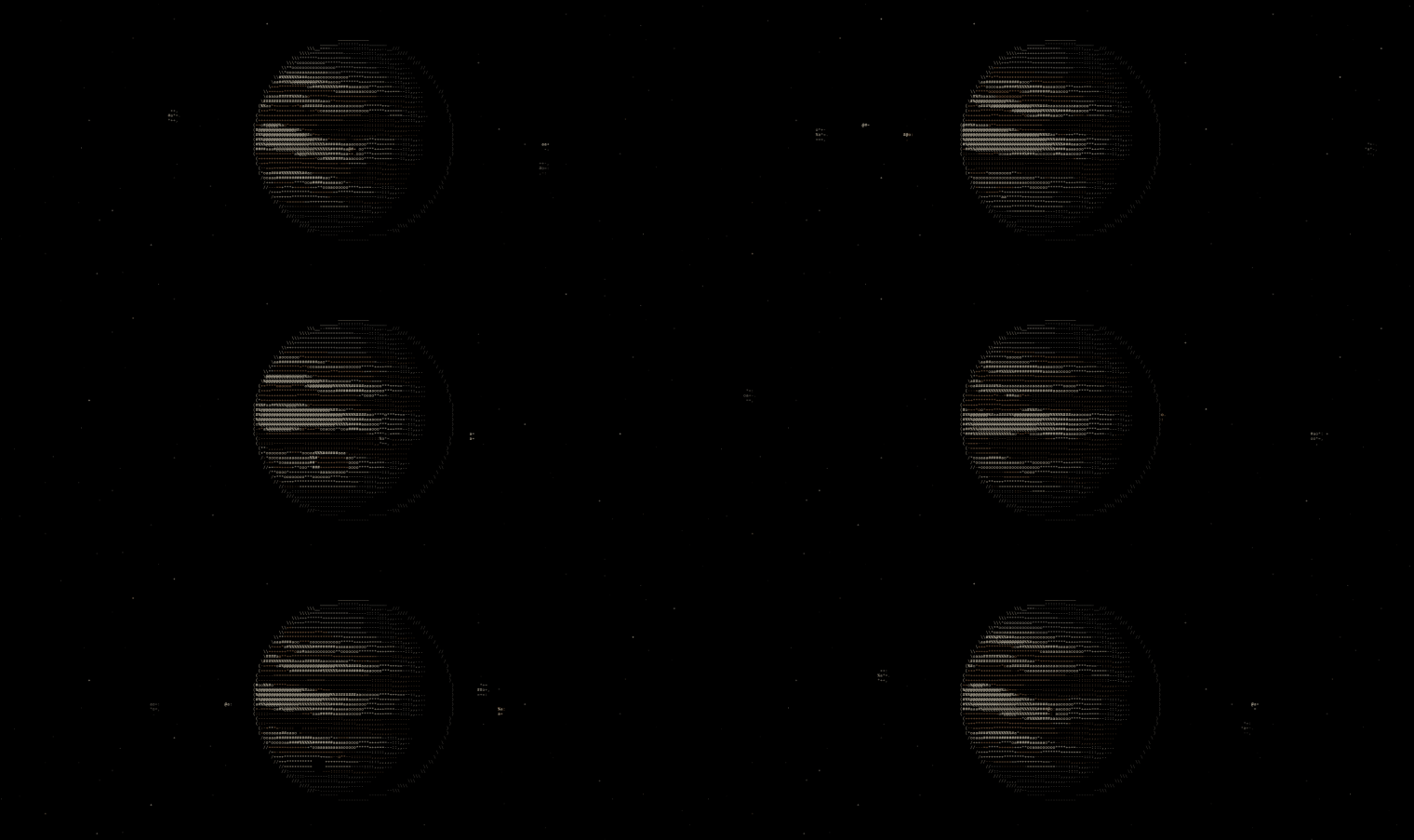
Every world is drawn entirely out of text characters, spinning, lit from the side, with its moons going around it. You pick one for each screen, and it sits behind your desktop icons like a normal wallpaper.
- Worlds
- 11
- Download
- 10.8 MB
- When covered
- Paused
- Runs on
- Windows 10, 11
Keeping it light
The rule from the start was that it had to use almost nothing. A lot of live wallpapers run a whole web browser in the background just to animate your desktop. I didn't want that.
So all the hard work happens once, ahead of time. A Python script does the 3D math for every frame (the lighting, the craters, the rings and their shadows) and saves each frame as plain text. Then it only keeps the characters that change from one frame to the next. A whole planet ends up being about half a megabyte.
The player on your PC is tiny. Each frame it copies just the few hundred characters that changed and leaves everything else alone. When your windows cover the planet, it stops completely.
The little details
The best part was adding the stuff around each planet. The Moon goes around Earth. Jupiter's four big moons cast little black shadow dots on its clouds as they cross in front. Titan slips behind Saturn's rings. Triton goes around Neptune backwards, like it does in real life. Pluto has Charon, and its heart. The Sun has sunspots, and every so often a planet passes in front of it.
Picking a world is just a list. Click one, and it's on your desktop.

Do the expensive work once, ahead of time, and the thing that runs all day barely has to do anything.
- Python
- NumPy
- C#
- Win32
- ASCII art